Notch
Fully open source

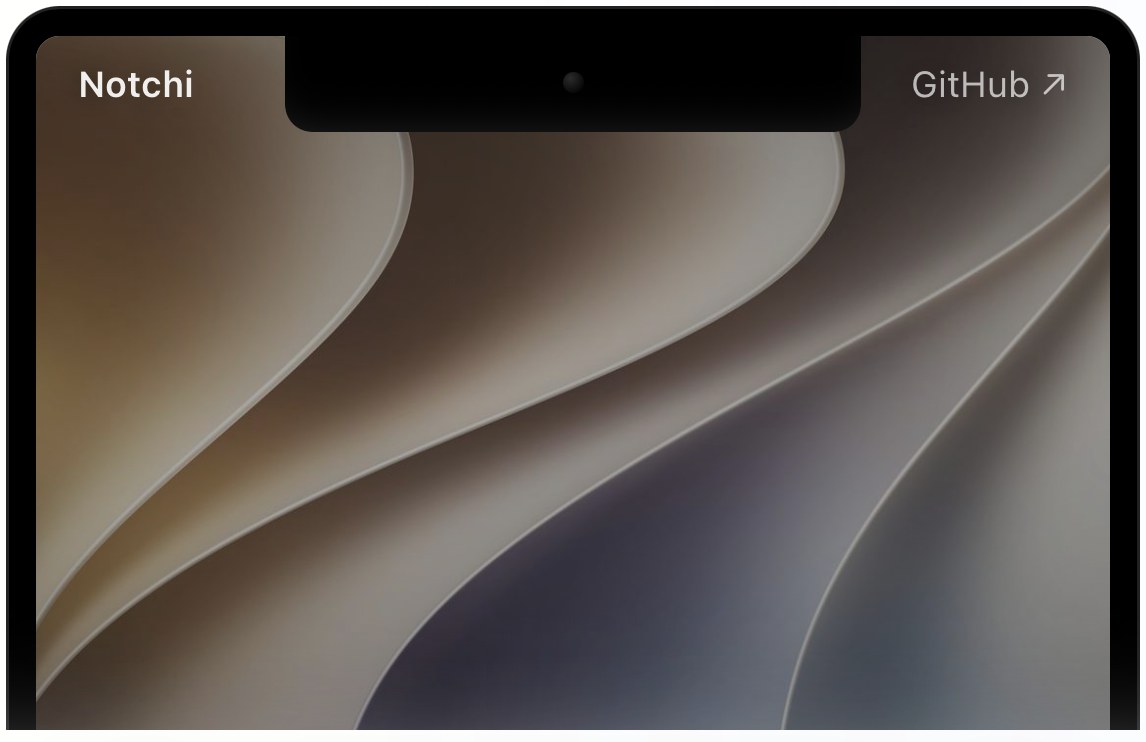
Your notch, always ready.

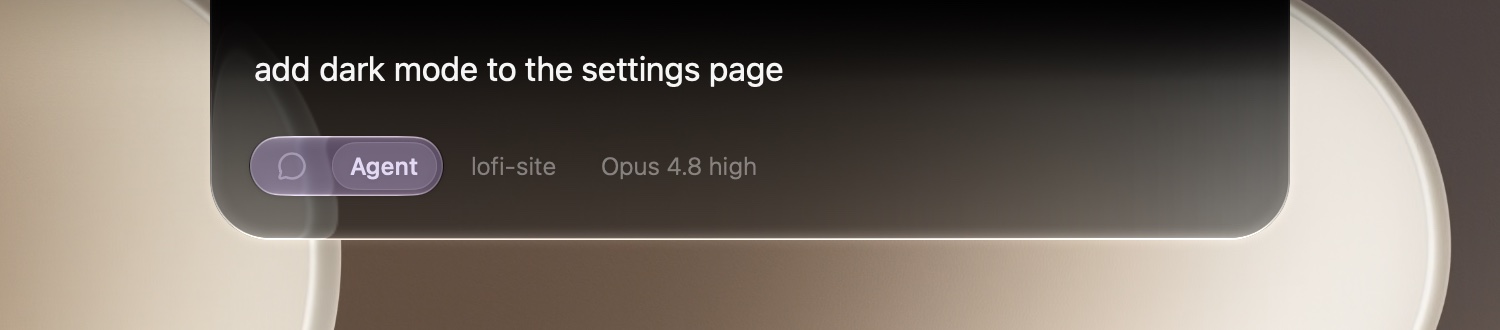
Ask AI, take a note, or set a reminder right from your Mac's notch — without opening an app. 5× faster, and design-first.

Type anything... — Ask
hover the notch

You type. It sorts.

Type the thought the way it arrived — half-formed is fine. Notch reads it and routes it: a question to AI, a note to keep, or a reminder with a time.

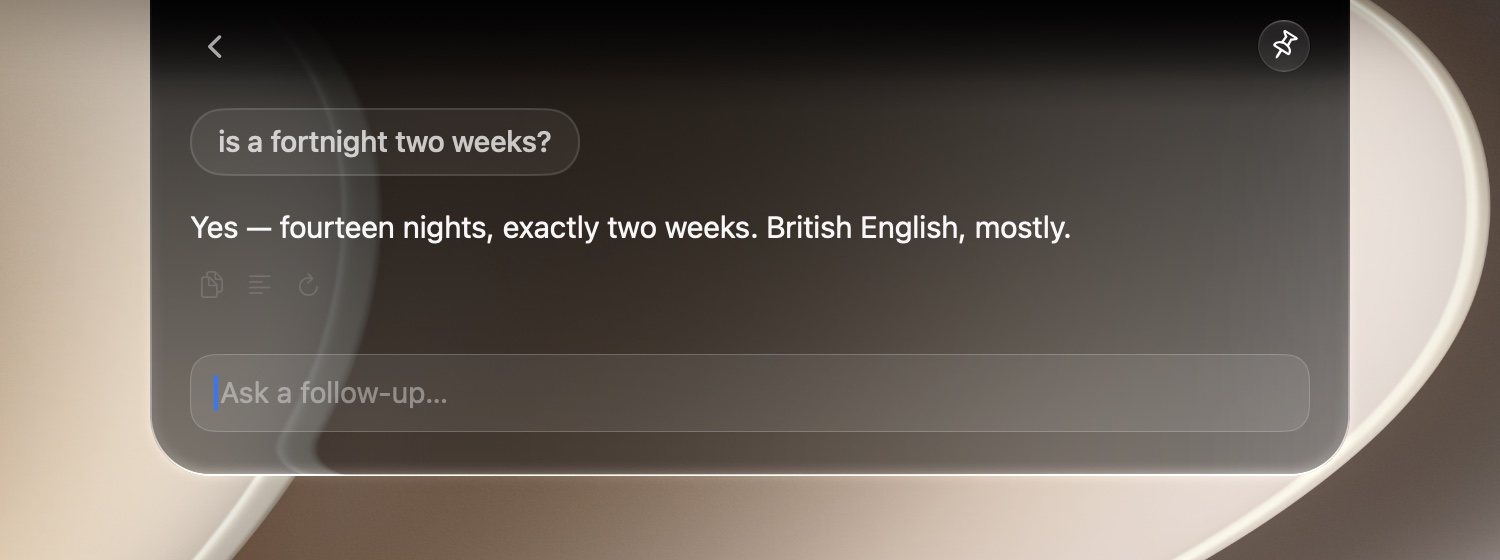
is a fortnight two weeks?— Ask
Yes — fourteen nights, exactly two weeks. British English, mostly.

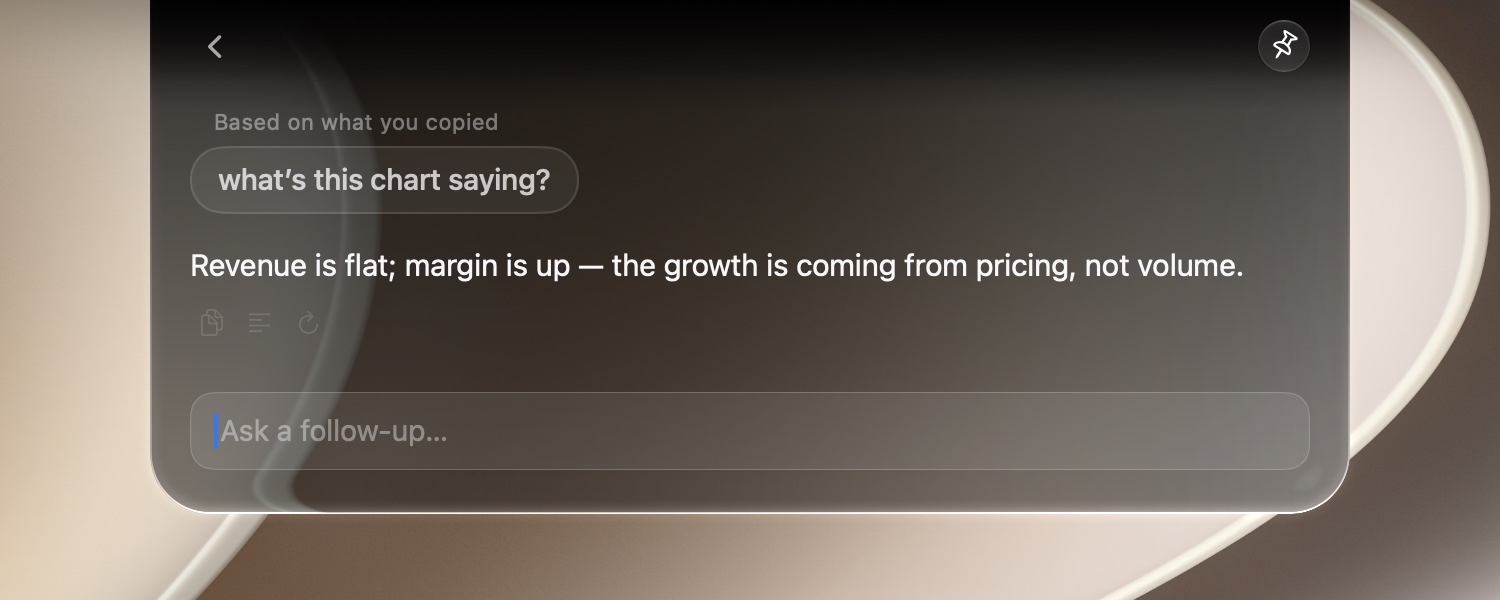
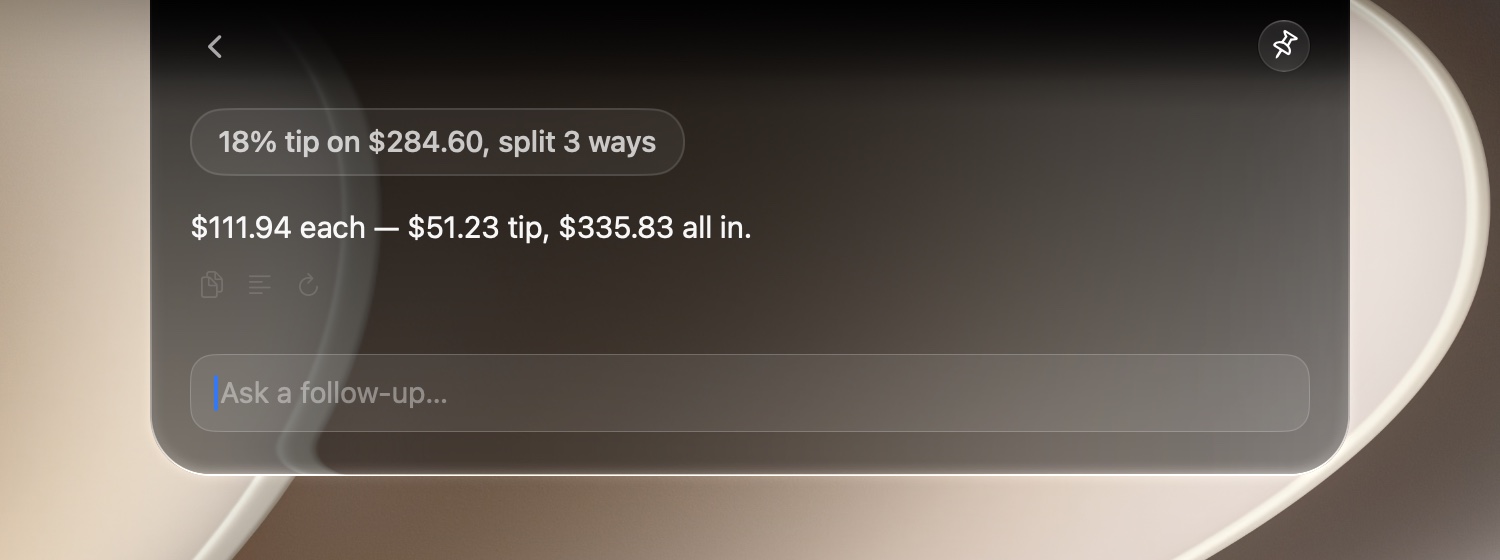
The answer appears in the panel, without leaving what you're doing.

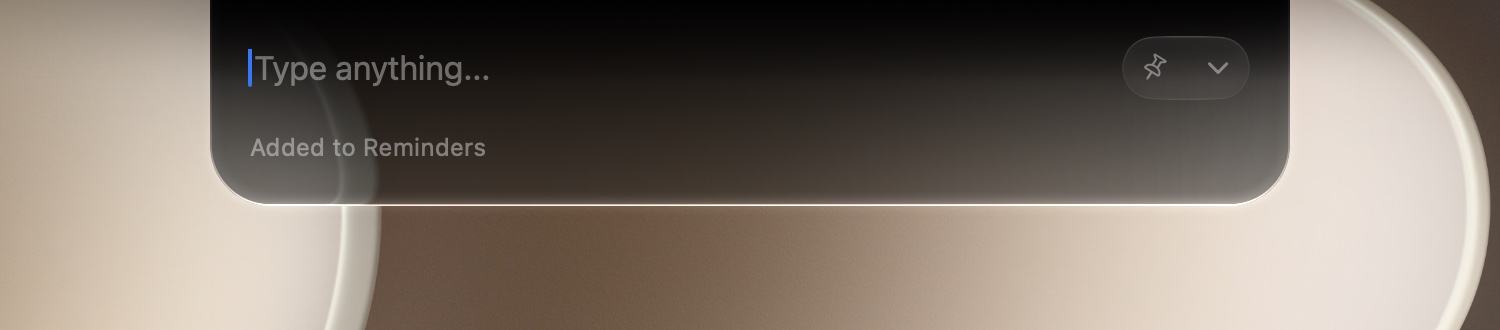
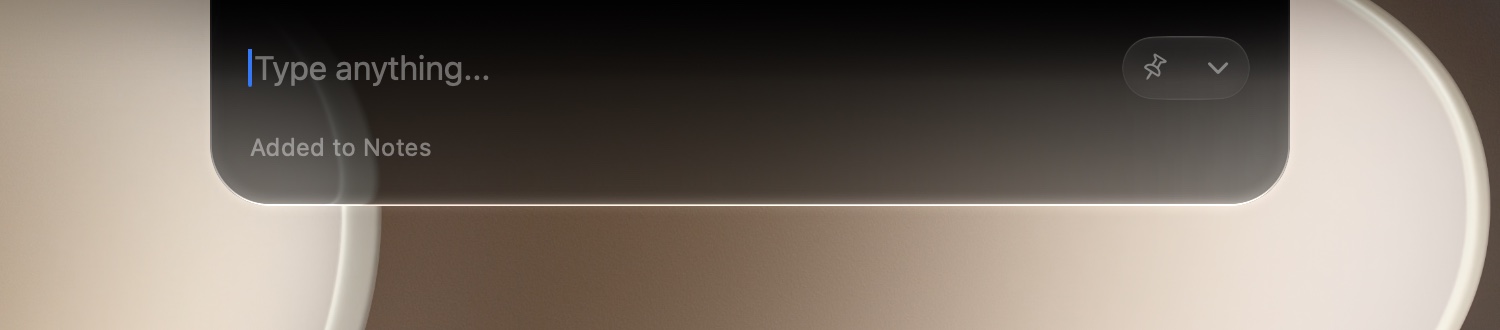
sarah: prefers async standups— Note
Added to Apple Notes

Anything that reads like something to keep — a name, an idea, a number — lands in Apple Notes.

call mum tomorrow 9am— Remind
Added to Apple Reminders

Anything with a time in it lands in Apple Reminders — due date already set.

Native, not bolted on.

Design-first, in practice. Notch is drawn with the same Liquid Glass material as the rest of macOS — same blur, same edge light, same spring — so it reads as part of the system, not stuck on top of it.

Youwhat exactly is liquid glass?
Apple's translucent material language — blurred, layered, a little dramatic. You're looking at it.
Part of the notchSolid black at the top, so the panel and the bezel read as one piece.
Real glassIt blurs what's behind it and catches light at the edges — cool above, warm below.

Your model. Your key.

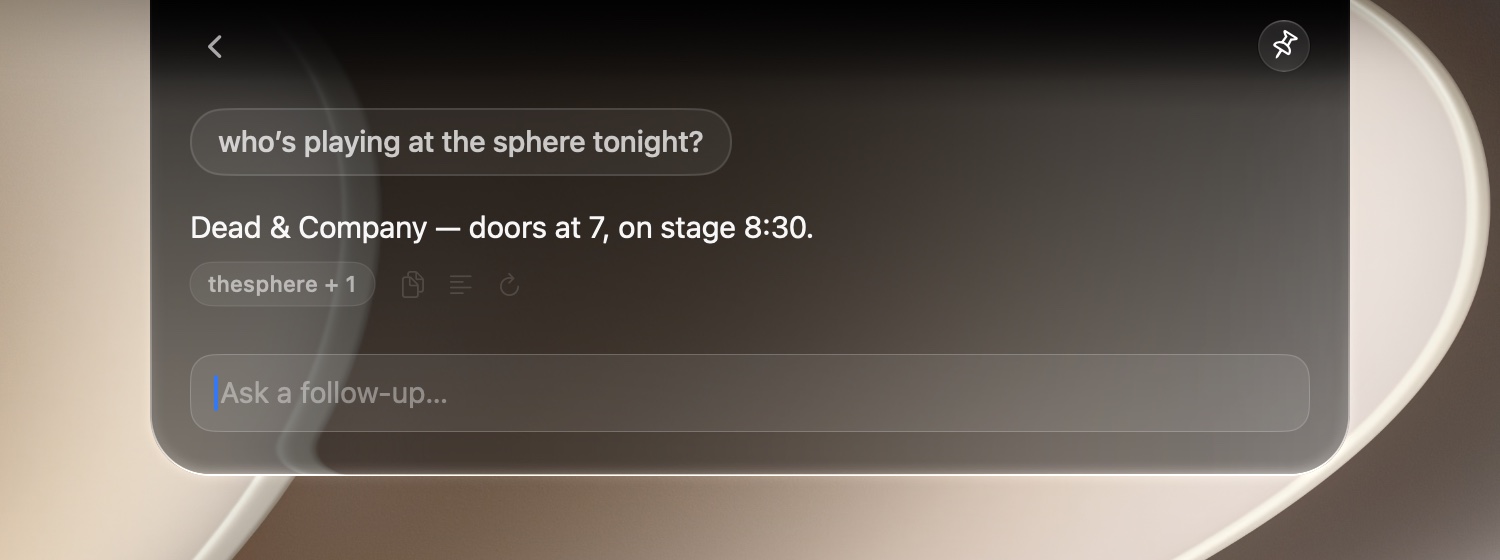
Sorting happens on your Mac. Then your question goes to the provider you picked, signed with your own key.

OpenAIAnthropicGoogle GeminiDeepSeekQwenKimiGLMMiniMaxMiMo

Put it on your Mac.

Free and open source. One command to install — no account, no sign-up.

Browse the source ↗